
Revit plugin
Send the model's types and quantities straight from Revit.
Features in LCAbyg
One tool for the whole LCA process: from calculation under EN 15978 to documentation for authorities and certification schemes.
You enter information about building elements, materials, and energy use. LCAbyg handles the calculations and gathers the results into figures and a report, ready to use.
Calculation
Full support for the climate requirements in BR18, both the 2023 version and the tightened 2025 version.
Approved calculation tool for DGNB certification (2023 and 2025) by the Rådet for Bæredygtigt Byggeri.
LCAbyg 2023 is approved for BREEAM Version 6 and earlier, both International New Construction and Refurbishment and Fit-Out (RFO).
Data
Climate impact and the other environmental indicators from EN 15804+A1 or +A2, depending on which version of the standard you use.
Import digital EPDs directly into the project instead of entering data manually.
Generic data per calculation type, so you're sure to use the right one.
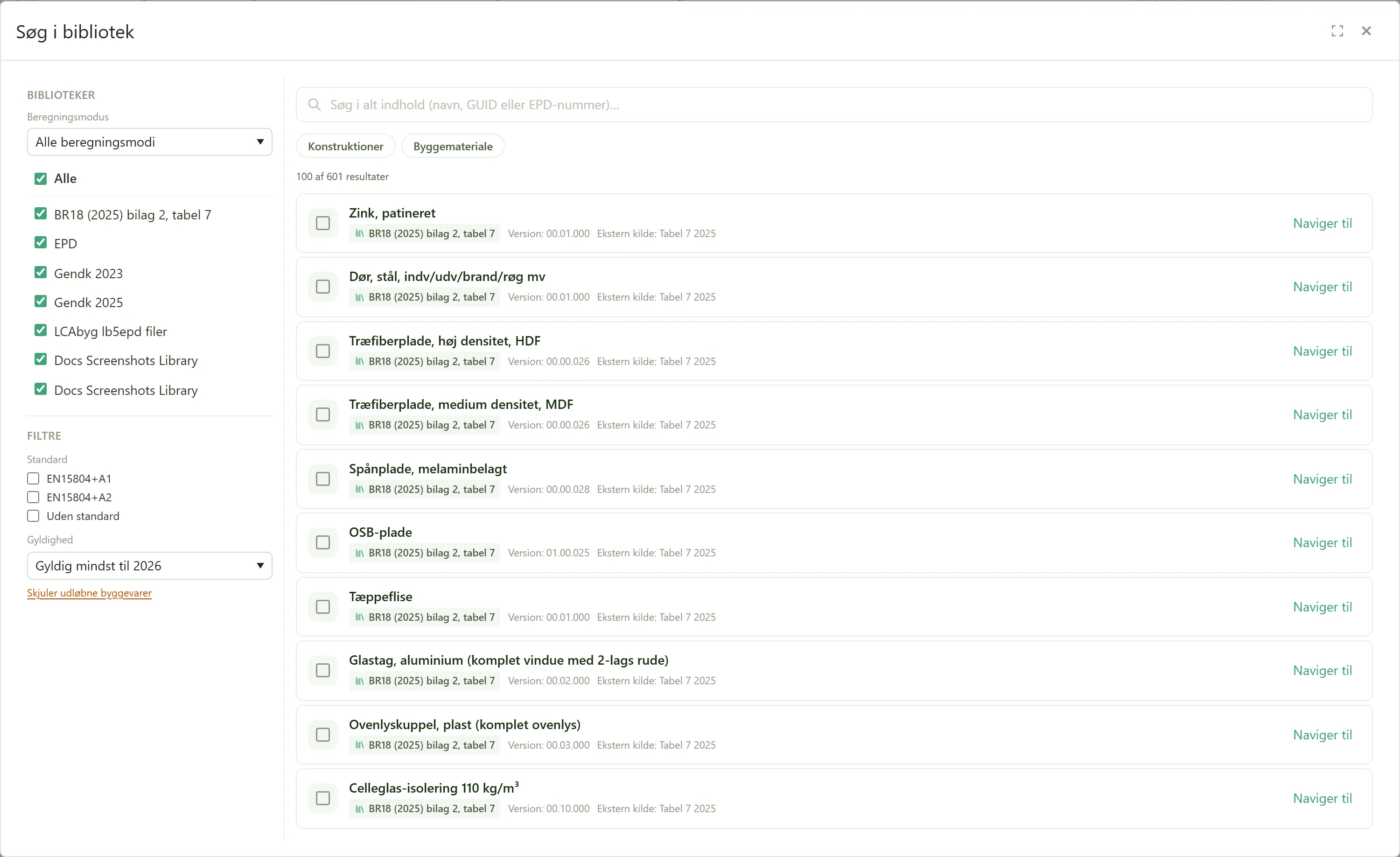
Build your own libraries of assemblies and building products, and reuse them across projects.
Share assemblies and building products across the whole organization, so everyone calculates from the same basis.
Move building elements and components in and out of projects, e.g. for reuse between project teams.
Collaboration
Create multiple versions of the project and compare them, so you can see the effect of changes to the building model over time.
External parties can always see results and reports, at no extra cost. Requires a Pro seat on the project.
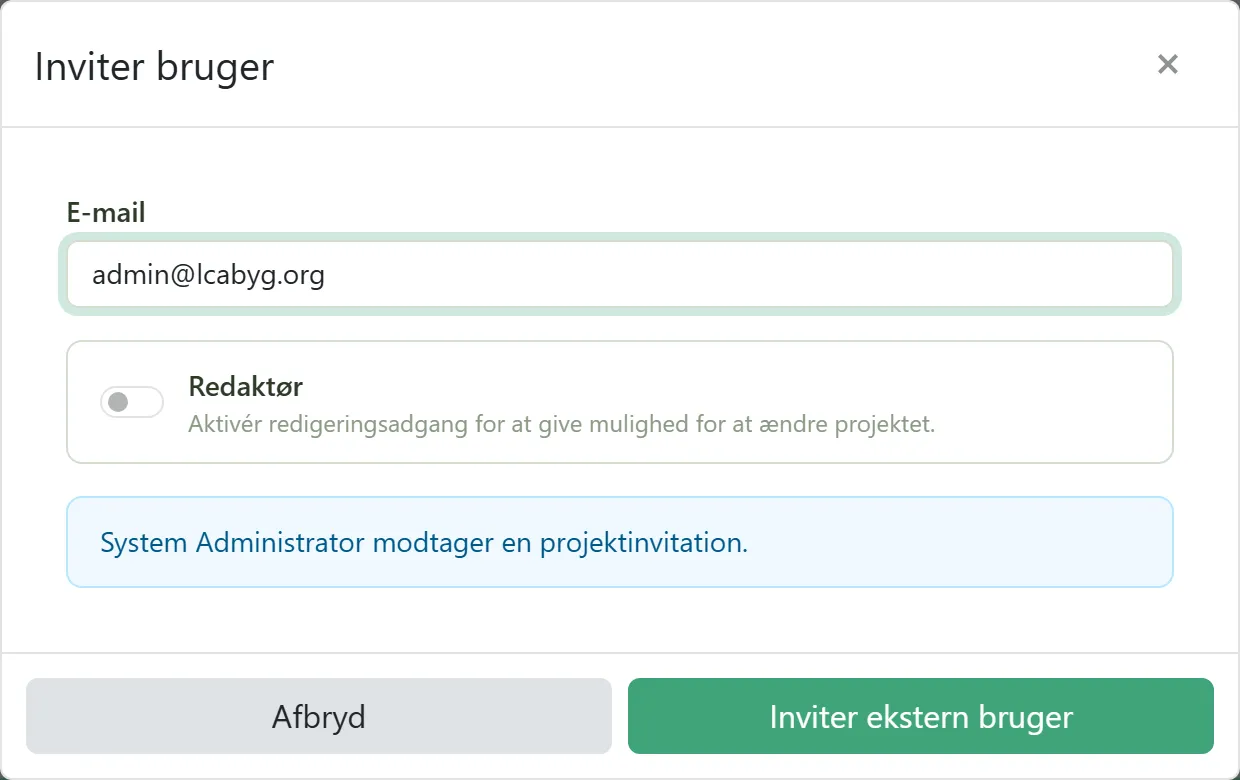
Invite consultants and other collaborators to enter quantities directly in the project via the quantity sheet tour, without needing a paid seat. Requires a Pro seat on the project.
Documentation
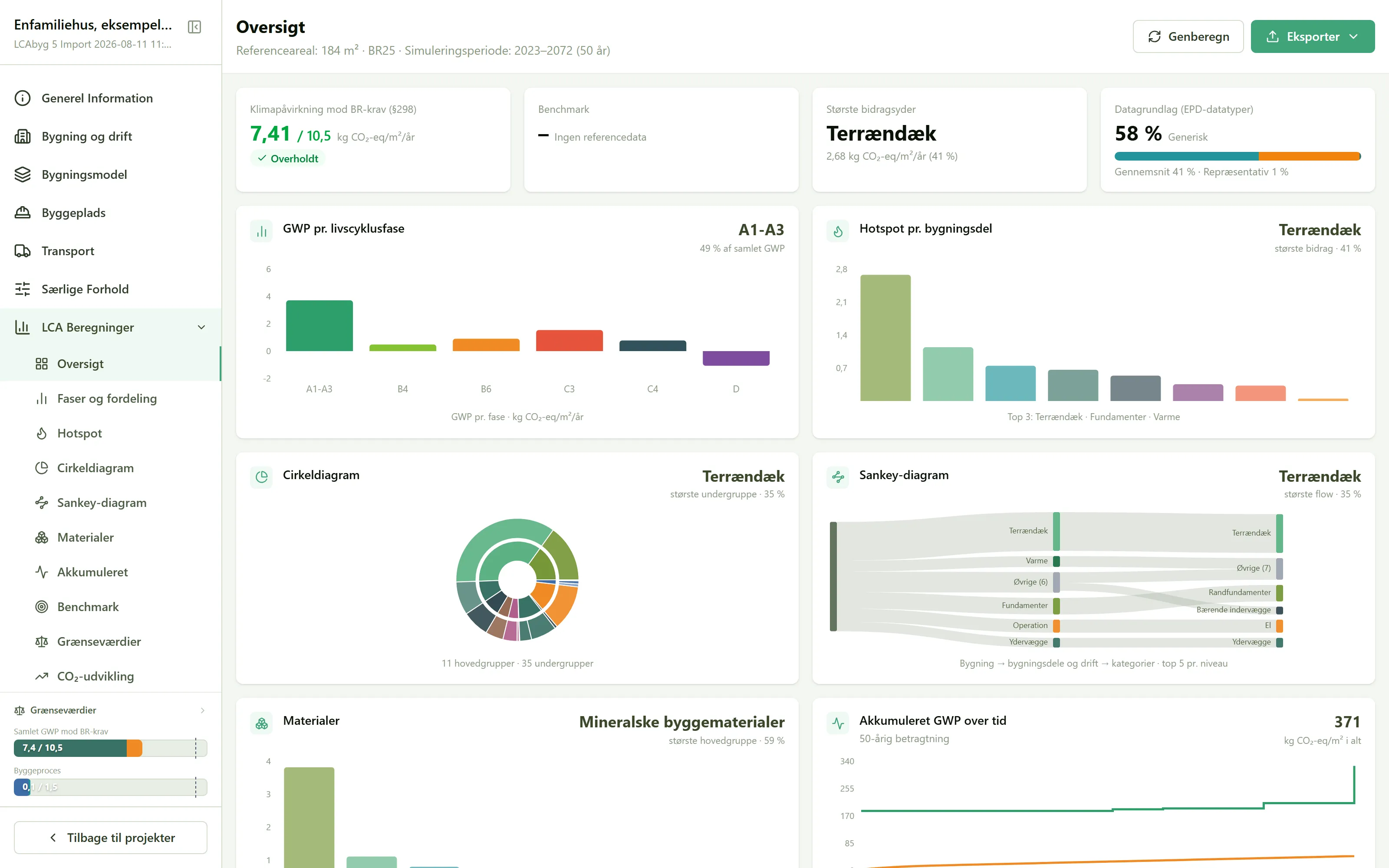
Results are automatically gathered into figures, so you can quickly see where in the building the impact lies.
Generate a report ready for documentation to authorities and certification schemes.
Take data further into your own analyses, templates, or handover, without re-entering it.
Download and upload projects, so you always have a copy stored locally.
From LCAbyg 5
You have used LCAbyg for years and built up projects, libraries, templates and workflows around the tool. That investment carries over to the new web-based version of LCAbyg.
Your existing LCAbyg 5 projects and libraries can be transferred, and the key import and export formats carry over. At the same time, you get new options for sharing projects and ensuring that the organisation's LCA calculations are based on a shared, quality-assured data foundation.
Import
Importing quantities directly from Revit with a plugin, from a Revit schedule, or from Excel and CSV is now in beta. You no longer have to type them in by hand, and nothing changes in the project until you approve the import as a new version.
Send the model's types and quantities straight from Revit.
Export an ordinary schedule from Revit and upload it to LCAbyg.
Upload a spreadsheet with constructions, building products, quantities and service lives.
Import from Rhino and Grasshopper is on its way. You no longer have to type the quantities in by hand, and nothing changes in the project until you approve the import as a new version.
Send the model from Rhino.
Send geometry from Grasshopper.
Open the app directly, or see which package fits your organization. Teaching a class? LCAbyg is free for study and education – see thestudent license.